Hi, I'm Ryan. I design products that make complex things feel simple.
I start every design by asking the right questions and mapping how the whole system fits together. Then I build quick AI prototypes to test ideas early, before the team commits.
At PayPayJapan's largest mobile payment app in Tokyo, I make paying and managing money easy for 65M+ users, even when the rules behind it are not. Before that, I worked on growth and retention at CarousellMarketplace app across Southeast Asia and Taiwan in Taiwan and Singapore.
Outside work, I mentor designers at AAPDEducation platform for product builders in Taiwan and build small tools with code and AI.
Work
PayPay
I lead design for money in and out of the wallet, from top-ups to ATMs to card payments, balancing ease of use with business and legal needs.
Ryan was a key team member during my time at PayPay, where he consistently delivered high-quality designs across multiple projects. He also contributed to Design Ops by improving QA processes and accessibility.
Ryan is my team member at AAPD, where we teach Figma and UI design. He began as a teaching assistant and quickly advanced to an instructor role, demonstrating strong learning ability, attention to detail, and clear communication.
Ryan was a valued team member who independently led several challenging projects with unclear requirements. He brought clarity through thorough research and tackled problems with patience and a methodical approach.
Ryan was a former colleague at Carousell, and I was always impressed by his ability to balance user needs with business goals to deliver practical, thoughtful designs.
When design and development misaligned, he calmly found practical solutions with the team. His suggestions for bug fixes and optimizations boosted both product quality and team efficiency.
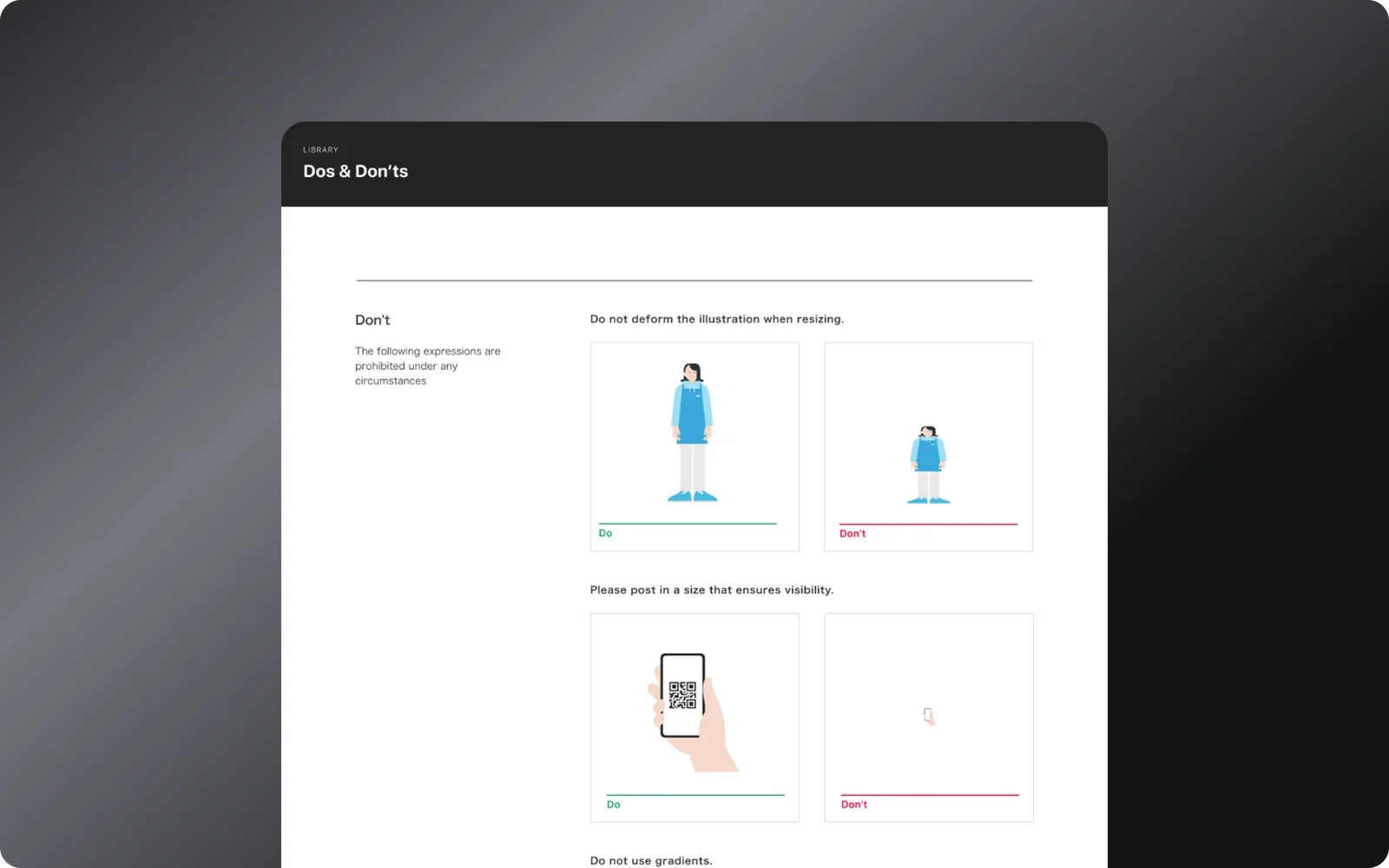
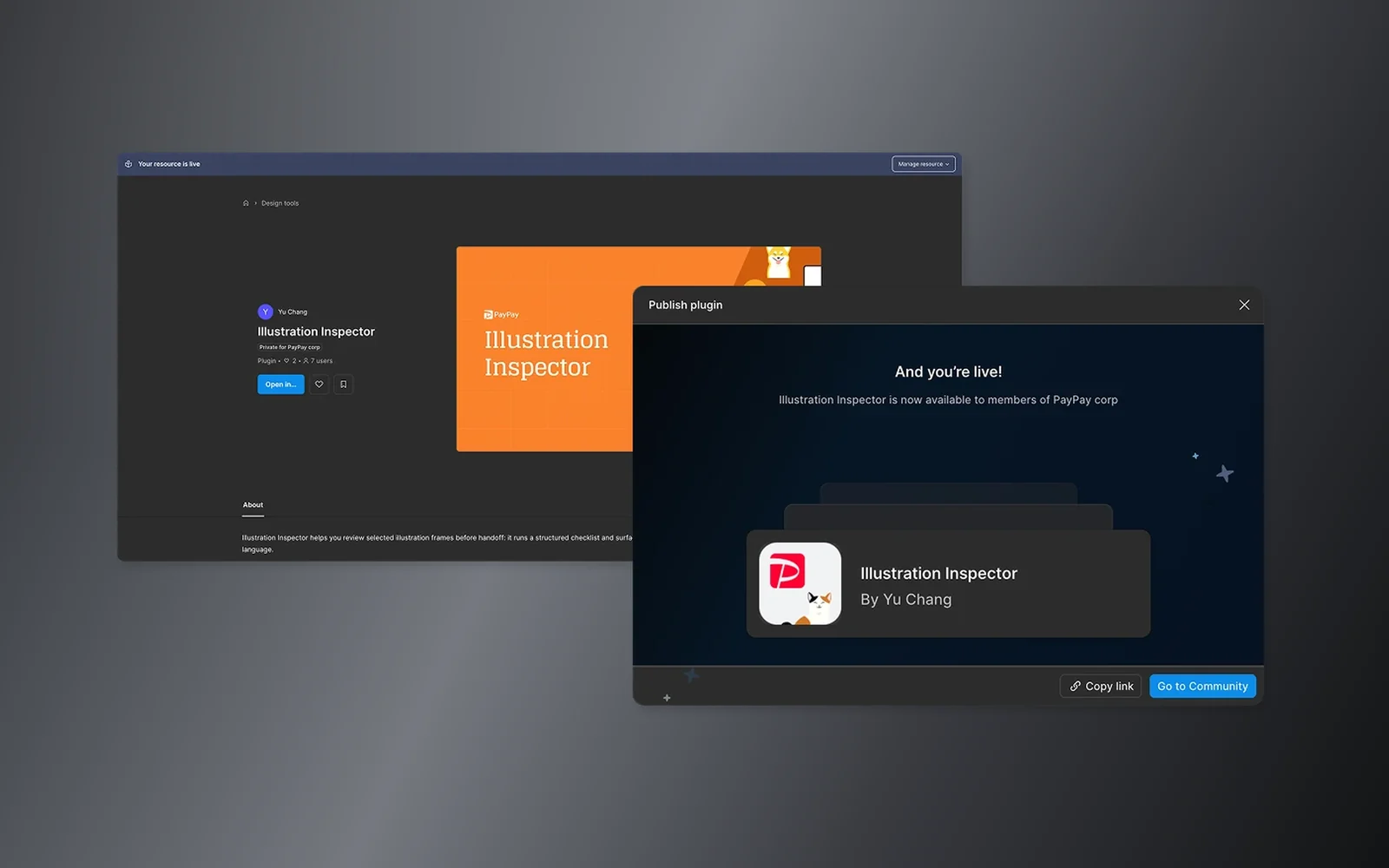
PayPay’s illustration library comes with a long list of rules: approved colors bound to variables, flat shapes only, no strokes or gradients, no stretching, and strict logo use. I designed and built a Figma plugin, with AI writing the code, that checks an illustration against all of them in one click.
Why I built it
None of the rules were hard on their own. But designers had to remember the whole list while they worked, so the bar moved with whoever was reviewing that day and how close the deadline was.
Our H2 retrospective showed this wasn’t just one or two people. I surveyed the design team: everyone used illustrations at least once a quarter, and 83% had ended up ordering custom illustrations because nothing in the library fit. Illustrations were part of everyone’s work, but checking them against the rules still came down to memory. Our H1 plan had already named this as a place to try AI, so I built it instead of leaving it as an idea on a slide.
How I built it
I built it in three steps: lock the features, turn the rules into code, then ship to the team with dark mode and Japanese.
Features before visuals. I locked all six checks before designing any UI, so the design stayed stable.
Rules into math. The guidelines say “keep proportions”, not how to detect stretching. I worked frame by frame with AI to turn rules like that into geometry.
Five directions, then one. AI generated five UI directions. I tested them against real results and combined the best parts.
Knowing what not to build. I cut checks that needed context the plugin can’t see. Six reliable checks beat ten noisy ones.
What it does
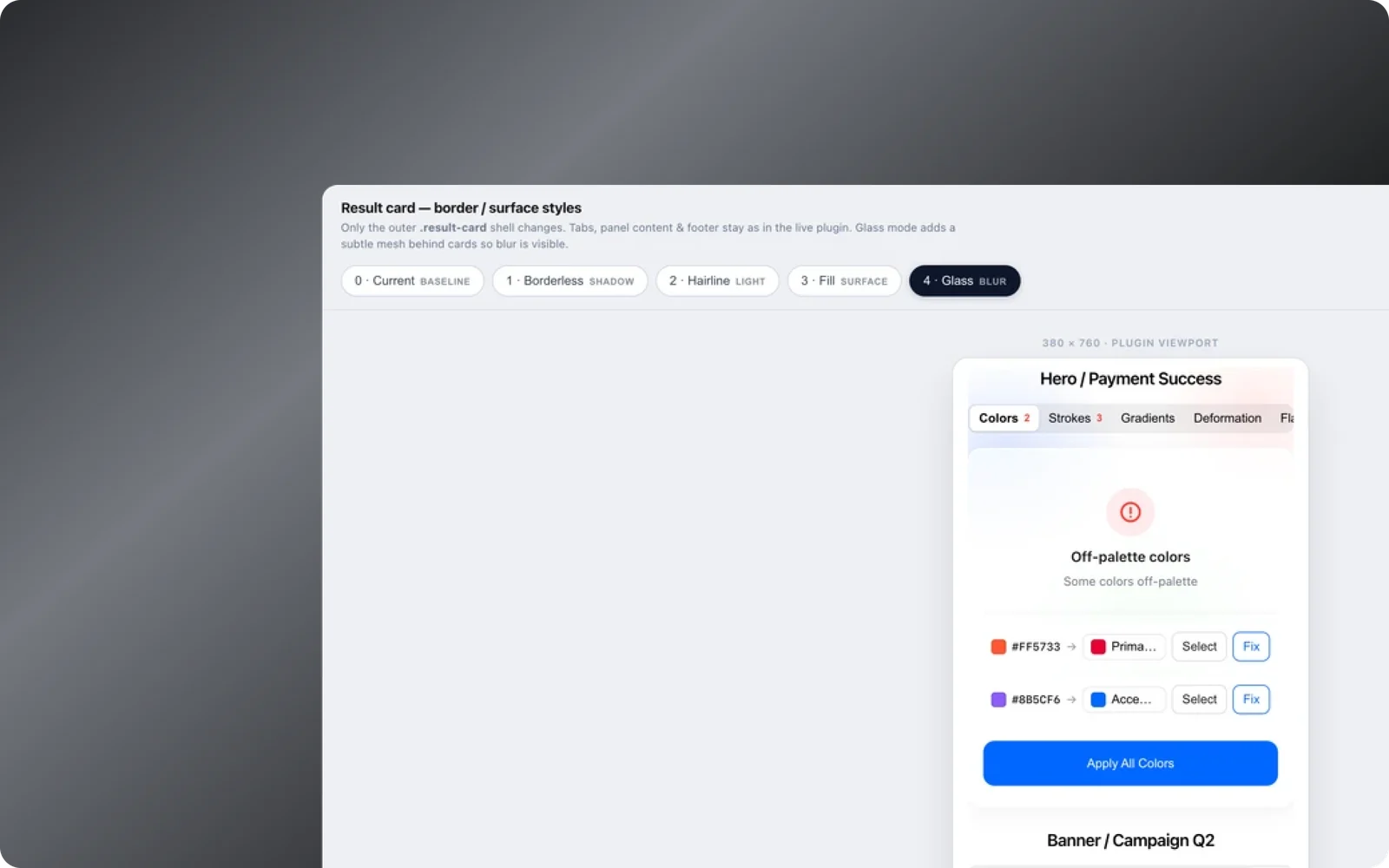
Select a frame and click Inspect. The plugin checks six things: colors, strokes, gradients, stretching, flat shapes and logo use. Each problem links to the layer that caused it, so fixing it means clicking that layer, not reading the guidelines again.
I’m not a trained engineer. AI wrote the code. I made the product calls: what counts as a failure, how it shows up on screen, and when a rule was wrong and needed to change.
The details
Closest color. For colors off the palette, it suggests the nearest approved one. Pick another if you like, or fix them all with Apply All.
Logo check. PayPay's logo has its own rules for color and shape, so the plugin checks logos too.
Fits the team. Switch between Japanese and English, or dark and light, in one tap.
Results
No formal metrics yet, since it’s still early. But the whole design team uses it now, not just me. One shared standard replaced uneven manual checks, and designers get feedback on exact layers instead of vague “off-brand” comments.
It also freed up the illustration team. They used to run a full rules check before they could even discuss whether an illustration said the right thing. Now that part is mostly done, so they spend their time on intent.
Years ago, I wouldn’t have believed I could build a Figma plugin without knowing how to code.
What’s next
A time study with a few designers to measure how much prep time it saves
Confidence labels on the less certain checks: flat shapes and stretching
An export so design ops can see trends across the team
Reflection
Building this changed how I think about AI as a designer. It isn’t about AI making the visuals. It gives me enough building power to spend my attention where design judgment matters: what counts as a failure, what a fix should feel like, and when a rule is right on paper but wrong in practice.
A few tips for working with AI:
Plan before codeLock the full feature list before touching any UI.
Show, don't describeGive AI a screenshot instead of a paragraph.
Make repeated work reusableAnything you do twice, turn into a pattern.
Ask before buildingHave AI ask clarifying questions instead of guessing.