Hi, I'm Ryan. I design products that make complex things feel simple.
I start every design by asking the right questions and mapping how the whole system fits together. Then I build quick AI prototypes to test ideas early, before the team commits.
At PayPayJapan's largest mobile payment app in Tokyo, I make paying and managing money easy for 65M+ users, even when the rules behind it are not. Before that, I worked on growth and retention at CarousellMarketplace app across Southeast Asia and Taiwan in Taiwan and Singapore.
Outside work, I mentor designers at AAPDEducation platform for product builders in Taiwan and build small tools with code and AI.
Work
PayPay
I lead design for money in and out of the wallet, from top-ups to ATMs to card payments, balancing ease of use with business and legal needs.
Ryan was a key team member during my time at PayPay, where he consistently delivered high-quality designs across multiple projects. He also contributed to Design Ops by improving QA processes and accessibility.
Ryan is my team member at AAPD, where we teach Figma and UI design. He began as a teaching assistant and quickly advanced to an instructor role, demonstrating strong learning ability, attention to detail, and clear communication.
Ryan was a valued team member who independently led several challenging projects with unclear requirements. He brought clarity through thorough research and tackled problems with patience and a methodical approach.
Ryan was a former colleague at Carousell, and I was always impressed by his ability to balance user needs with business goals to deliver practical, thoughtful designs.
When design and development misaligned, he calmly found practical solutions with the team. His suggestions for bug fixes and optimizations boosted both product quality and team efficiency.
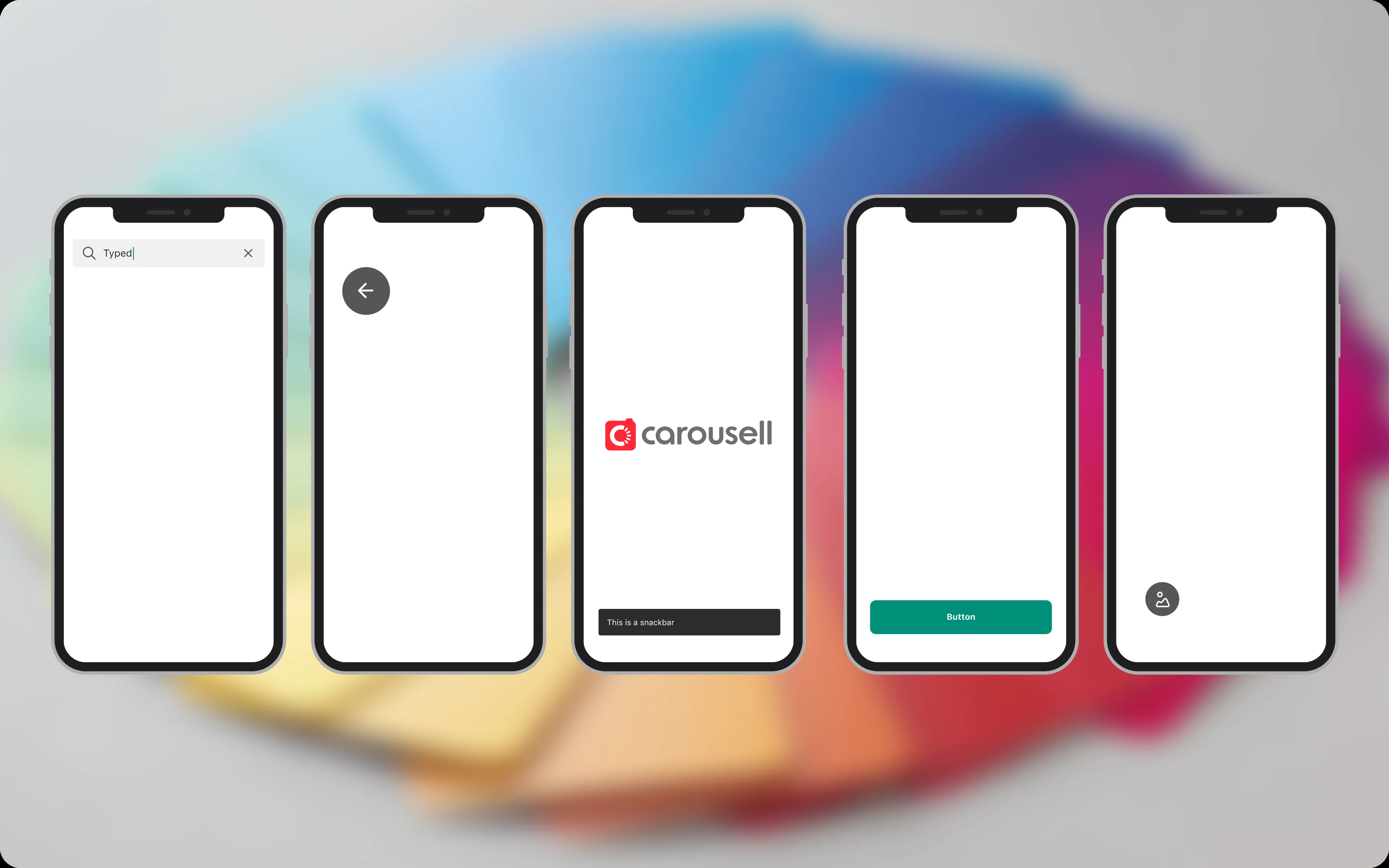
Carousell’s design system had drifted. Components were hard to reuse, docs were out of date, and designers and engineers used different names for the same things. I led the revamp with a clear update process, a reorganized Figma library and docs that link design to code.
What designers and engineers told me
A design system is a product too, and its users are designers and engineers. So I started with them: a survey of engineers about their pain points, and a workshop with designers. Many designers detached components and changed them, because the originals weren’t flexible enough. Even experienced designers struggled to find what they needed.
No consistency. No clear guidelines, components built on old Figma features, and no process for keeping the system up to date.
Hard to find things. No links between design and code, components that were hard to search by name, and no easy way to see what had changed.
Poor communication. Different names for the same thing, scattered channels and no structured feedback.
A trial run with the Button
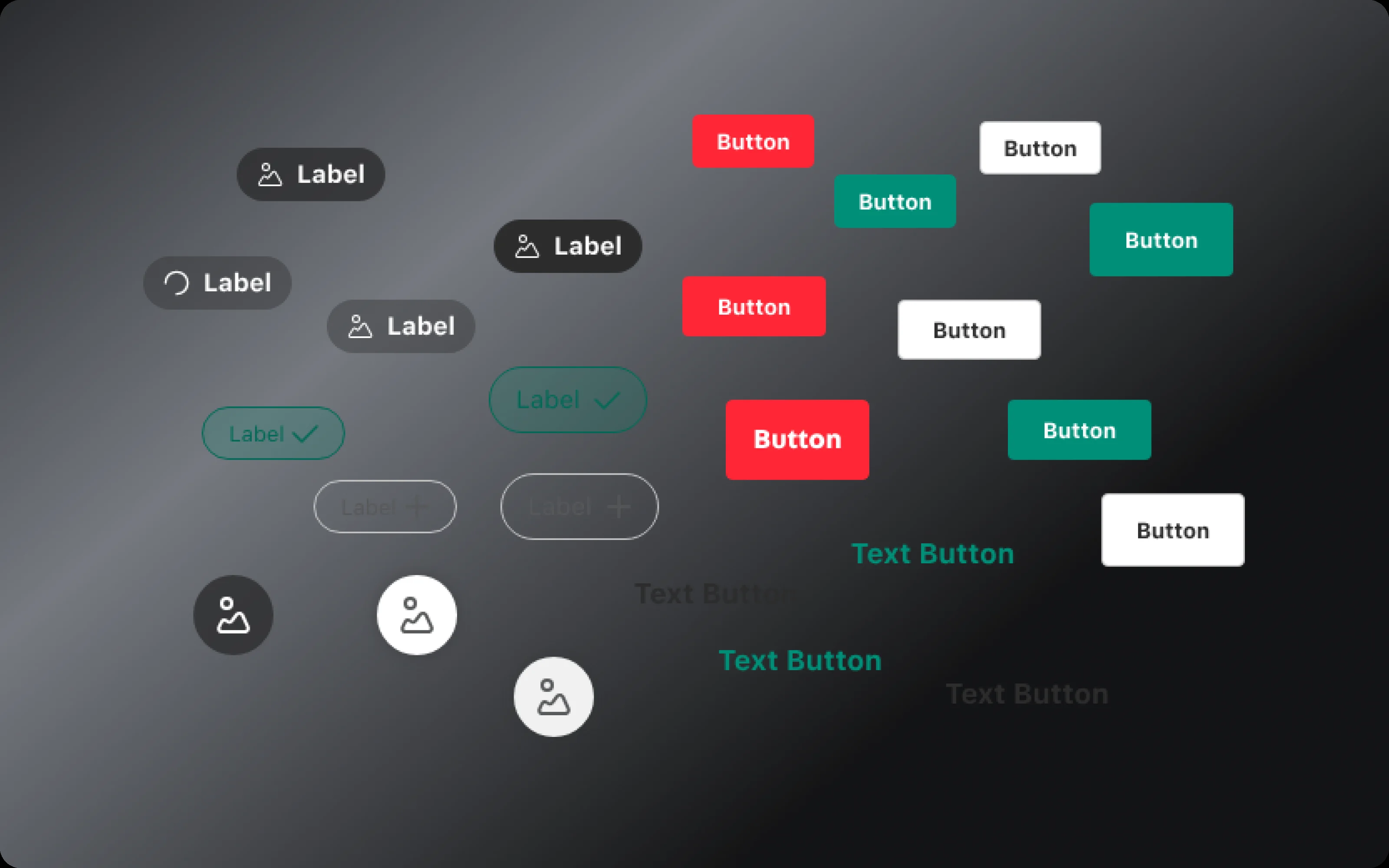


Before changing everything, I tested the approach on the Button, which is used on every platform. I invited a developer to the trial, and we compared the Button in production with the one in the system.
It showed the whole problem in one place:
Out of date. No auto layout or properties, so the Button couldn’t flex to what designers needed.
Missing docs. The usage guide was old and incomplete.
No single source of truth. Designers made their own versions, which widened the gap with what engineers built.
Learning from other teams
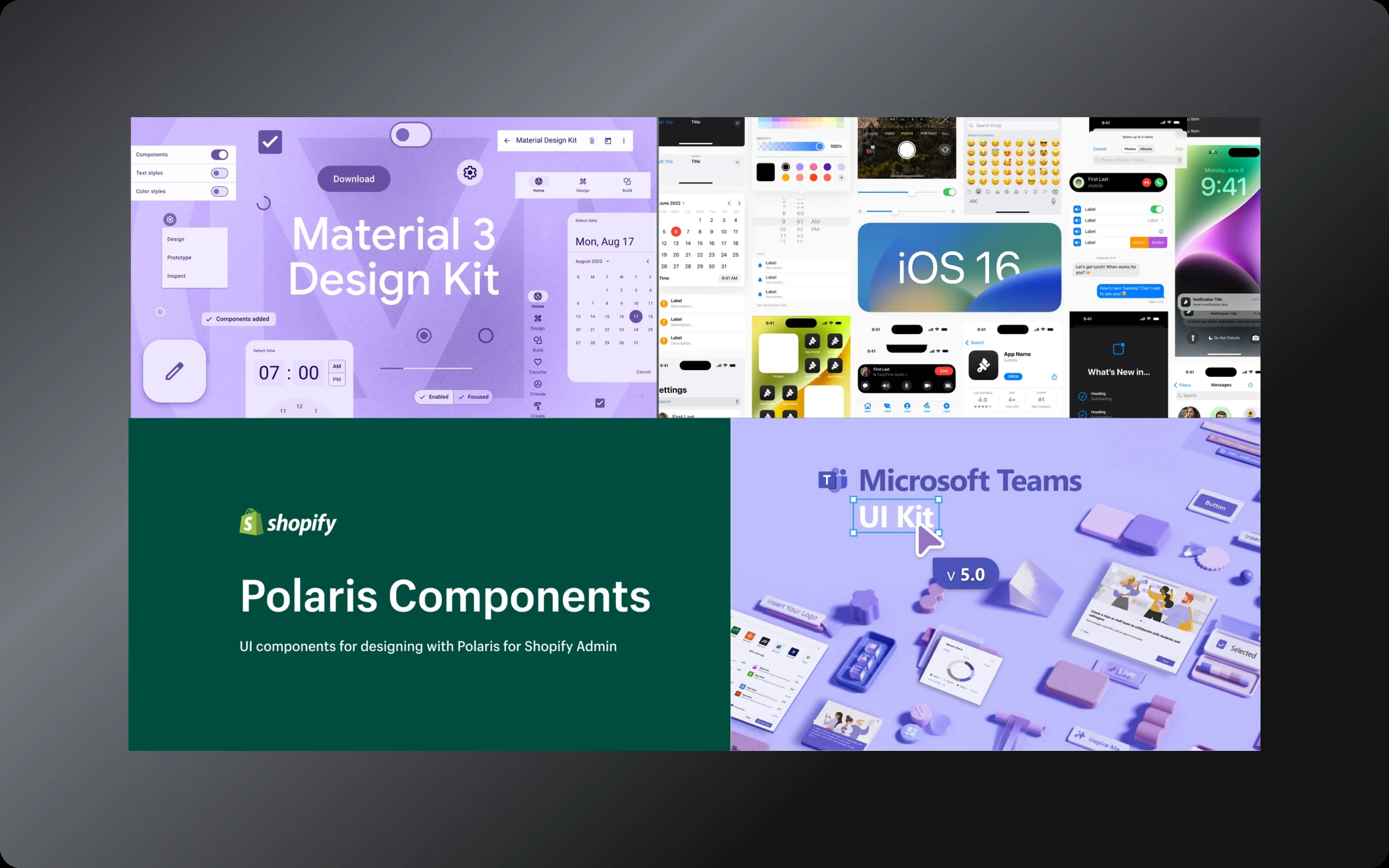
I also looked at how other companies run their design systems, and read what their teams had written about it.
Together with the trial, that gave us three changes to repeat for every component:

Rebuild with Figma’s newest features. Auto layout, properties and variants, which were new at the time and are standard now.
Docs inside Figma. Next to the component, instead of on a separate Notion page, so everything is in one place.
A link to the code. Each component points engineers to its code, so design and build stay in sync.
I presented the Button trial to the team and senior management. The feedback was positive, so we took the same approach to every other component.
Rolling it out
A revamp like this can’t be done by one person. I led it and set up the way the team would work:
Clear owners. A spreadsheet gave each component an owner, based on which team used it most, and tracked progress.
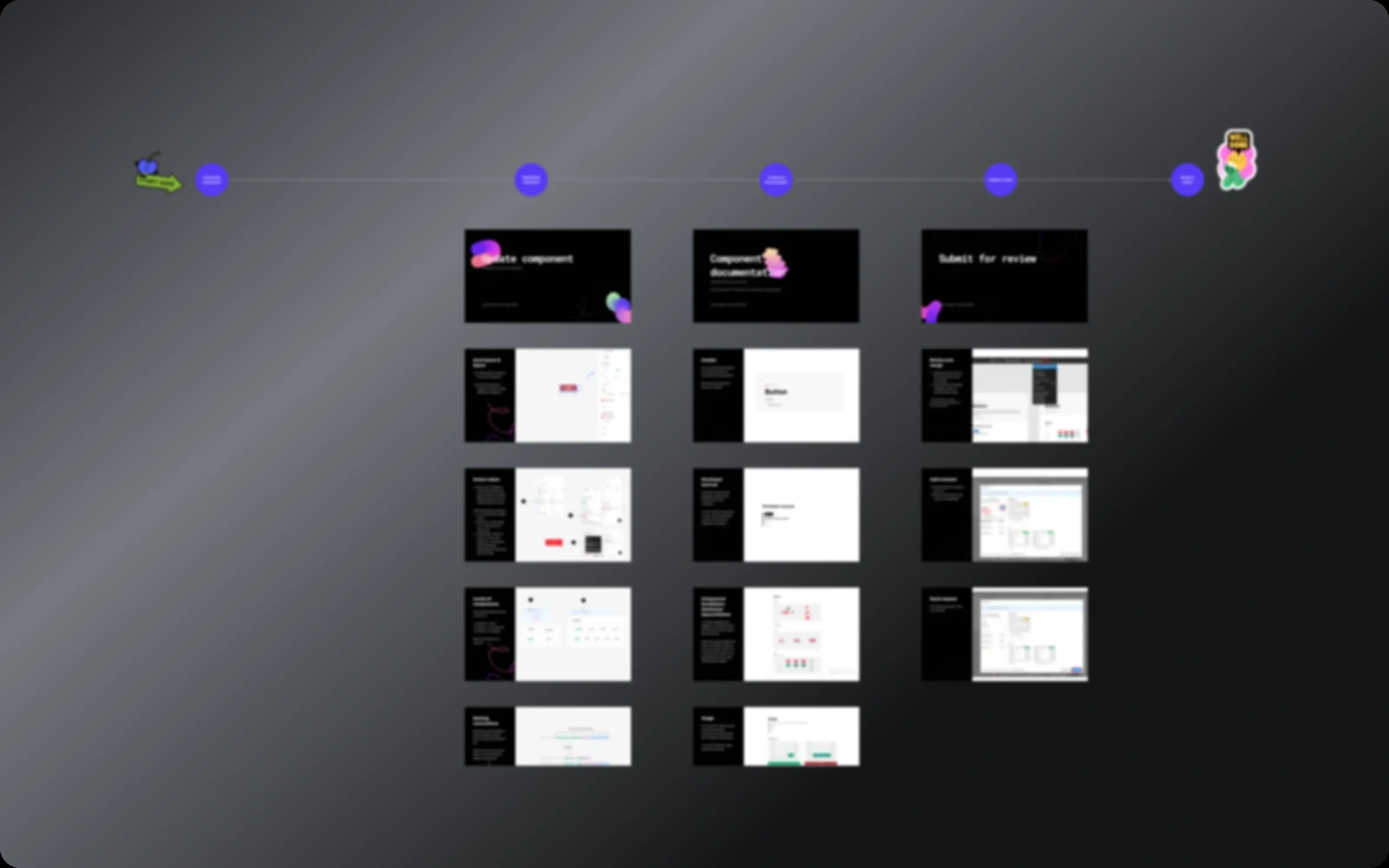
A handbook. A step-by-step process for updating the system, so everyone worked the same way.
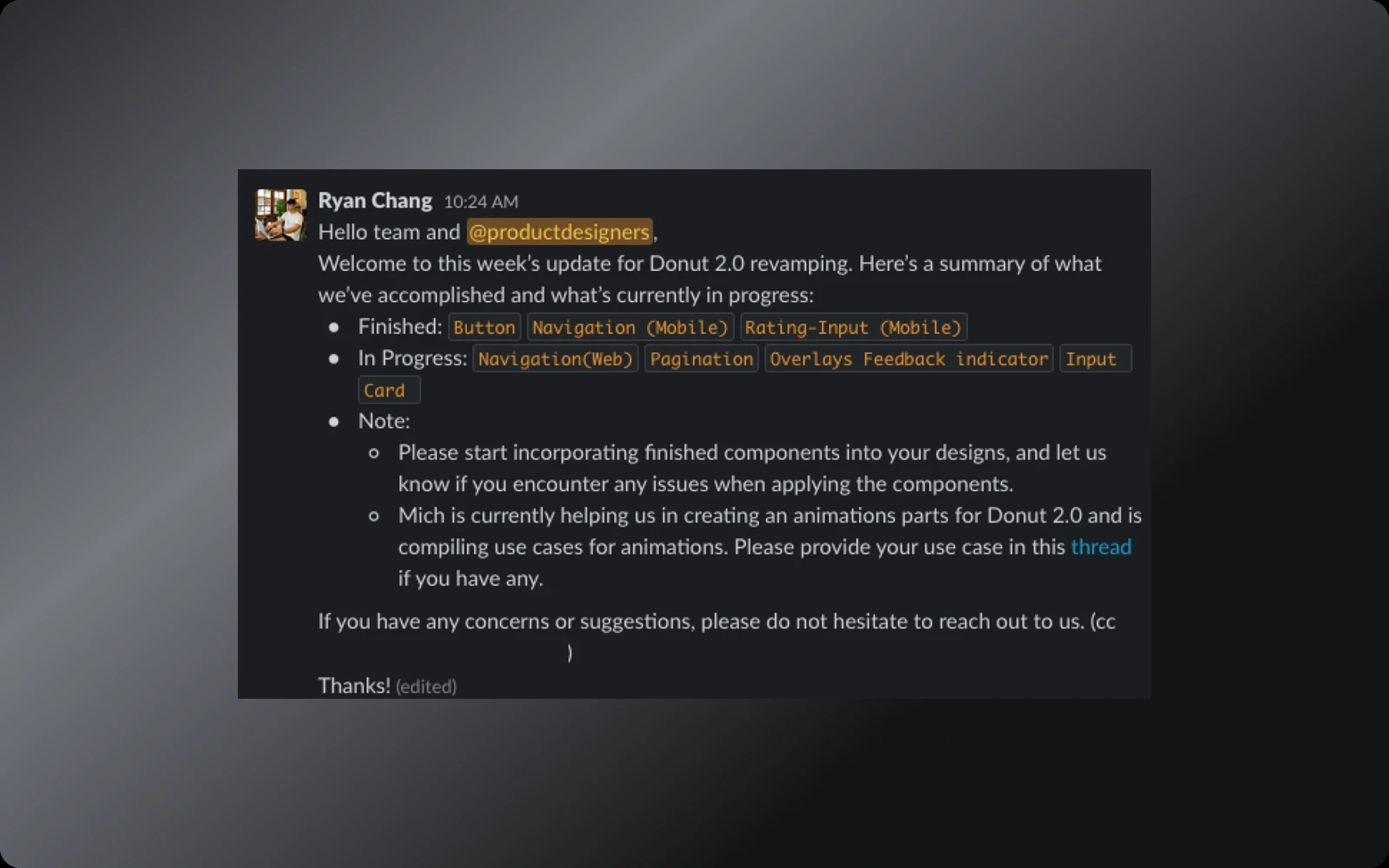
A weekly update. A Slack post kept designers, engineers and stakeholders in the loop.
Inside the library
Every component now follows the same layout: docs on the left, variants on the right, and notes that point engineers to the matching code.
Properties and variants keep each component flexible, so designers no longer need to detach it. Each component also lists its code names for Android and iOS.
Results
Component coverage in design files
+32%
Design-to-development handoff time
−11%
Engineers also told us the library was easier to navigate, and that matching design and code made building faster.
What’s next
I set the foundation before I left Carousell. The plan from there: semantic color tokens, then font styles, spacing and shadows, all stored as Figma variables with modes.
Reflection
Designers are users too. Asking them early, instead of working alone, shaped every decision. A design system is also a team effort: trusting people and giving them clear ownership mattered more than any single component. And there is no one-size-fits-all system. The best one fits your team’s situation and builds on what already exists.