Hi, I'm Ryan. I design products that make complex things feel simple.
I start every design by asking the right questions and mapping how the whole system fits together. Then I build quick AI prototypes to test ideas early, before the team commits.
At PayPayJapan's largest mobile payment app in Tokyo, I make paying and managing money easy for 65M+ users, even when the rules behind it are not. Before that, I worked on growth and retention at CarousellMarketplace app across Southeast Asia and Taiwan in Taiwan and Singapore.
Outside work, I mentor designers at AAPDEducation platform for product builders in Taiwan and build small tools with code and AI.
Work
PayPay
I lead design for money in and out of the wallet, from top-ups to ATMs to card payments, balancing ease of use with business and legal needs.
Ryan was a key team member during my time at PayPay, where he consistently delivered high-quality designs across multiple projects. He also contributed to Design Ops by improving QA processes and accessibility.
Ryan is my team member at AAPD, where we teach Figma and UI design. He began as a teaching assistant and quickly advanced to an instructor role, demonstrating strong learning ability, attention to detail, and clear communication.
Ryan was a valued team member who independently led several challenging projects with unclear requirements. He brought clarity through thorough research and tackled problems with patience and a methodical approach.
Ryan was a former colleague at Carousell, and I was always impressed by his ability to balance user needs with business goals to deliver practical, thoughtful designs.
When design and development misaligned, he calmly found practical solutions with the team. His suggestions for bug fixes and optimizations boosted both product quality and team efficiency.
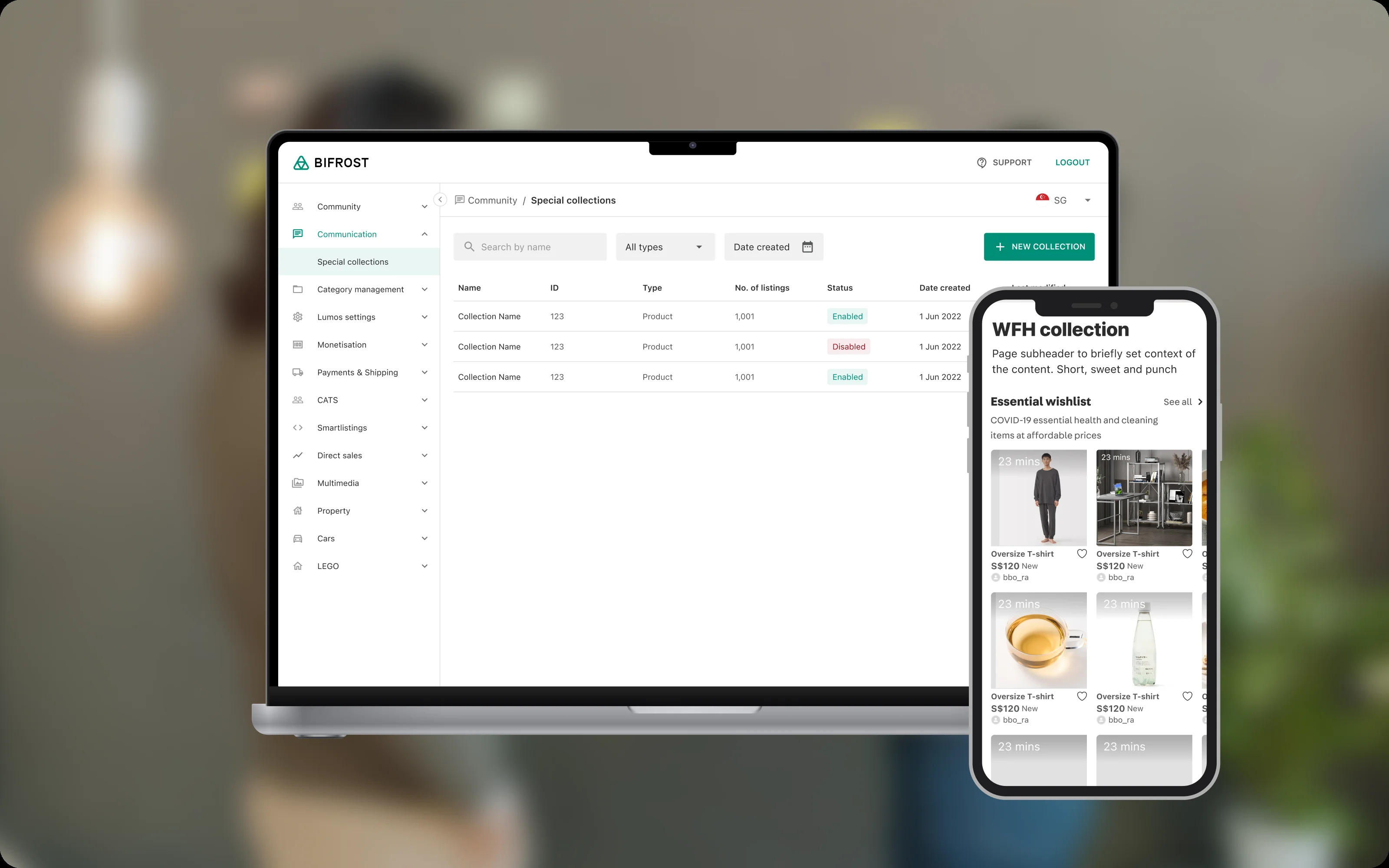
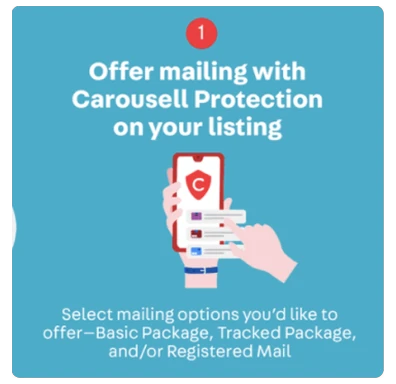
At Carousell, the marketing team needed engineers for almost every campaign. I designed internal tools that let them do it on their own, from interviews with the team to prototypes and handoff.
The problem
Every campaign ran through the same loop. Marketing sent a request, an engineer set it up in the backend, and any change started the loop again. Campaign pages were squeezed onto listing pages, and surveys ran on third-party tools that were costly and hard to change. The team could plan campaigns faster than they could launch them.
One system, three tools
I designed three tools that work as one system:
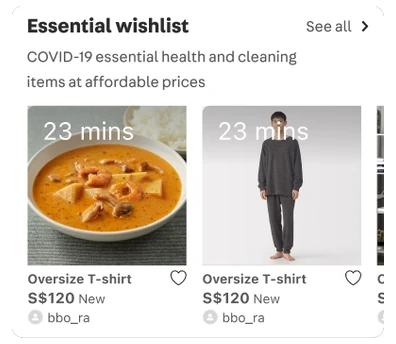
Special Collections to curate listings for a campaign.
Landing Page Builder to put a campaign page together.
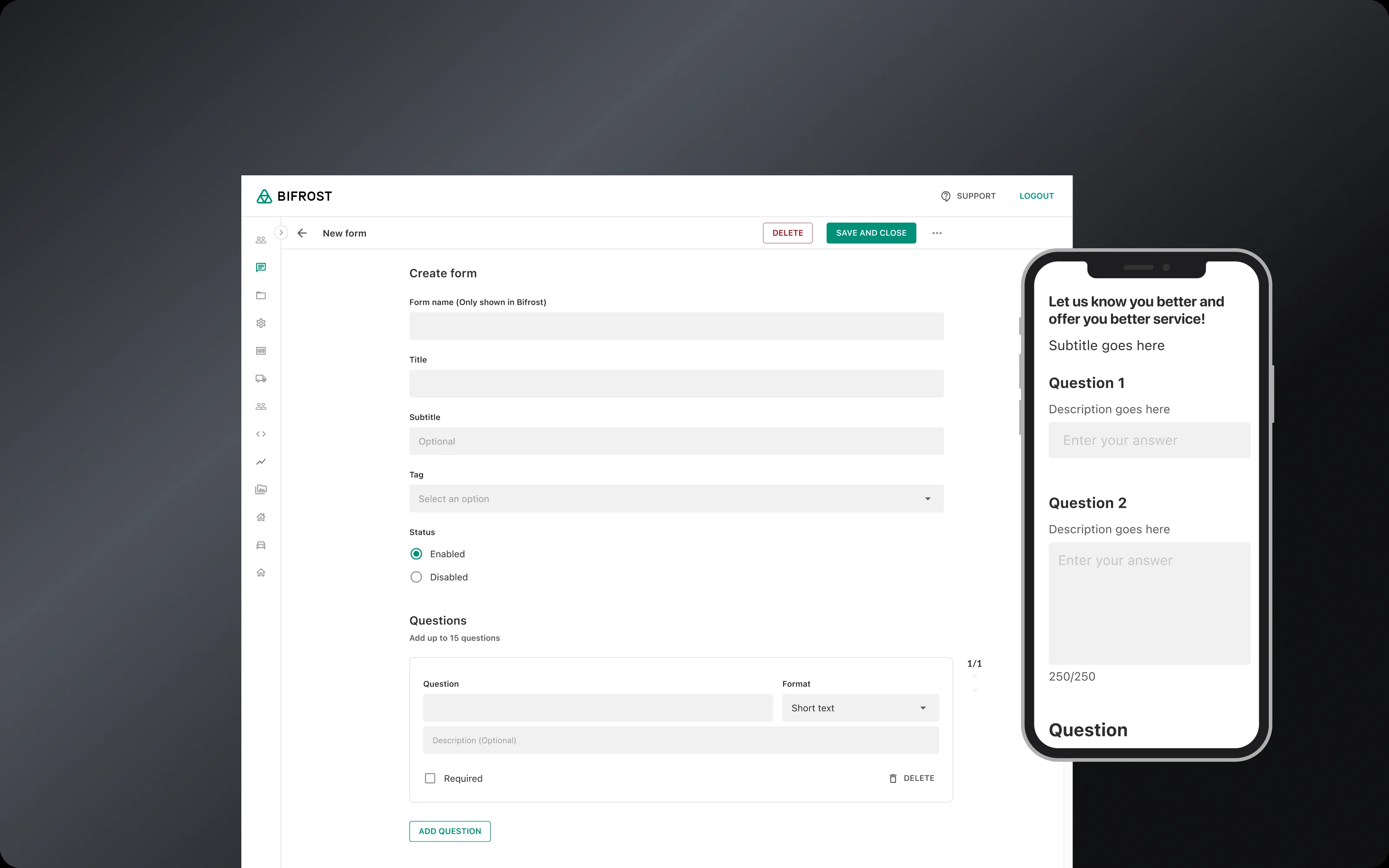
LeadGen to run surveys and collect leads.
Collections and forms drop into a landing page as blocks, so marketing can launch a full campaign without engineers. All three share the same patterns, so learning one makes the others feel familiar.
1. Special Collections
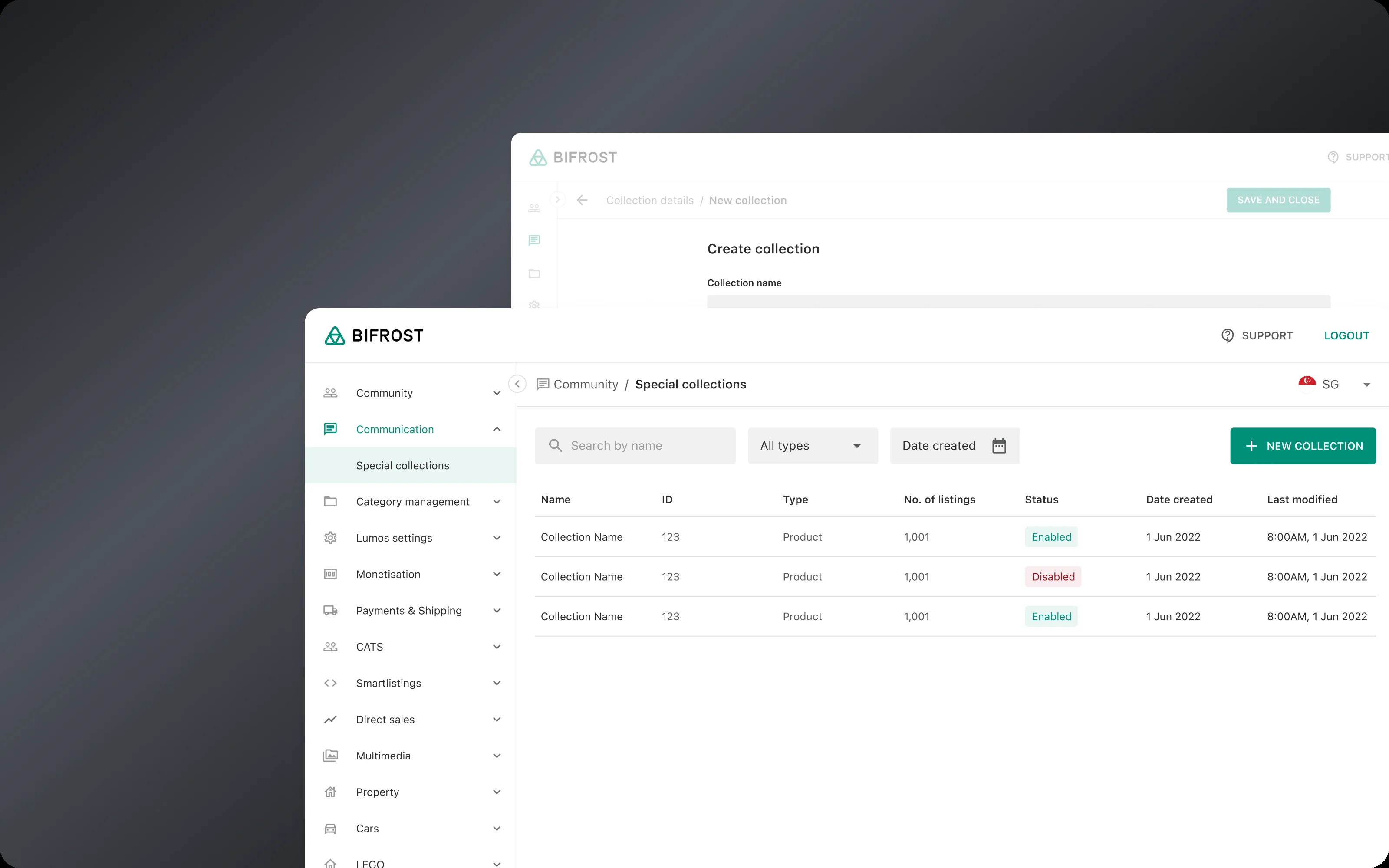
To promote a category, marketing had to ask engineers to set up a listing collection in the backend. Every change meant another round of back and forth. I interviewed the team to learn what they needed to see first, then designed a tool to create and manage collections themselves.
Set up in one place. A new collection starts with its type and its start and end dates, grouped in the order marketers think about them.
Find it fast. Search, plus filters by type and date, since promotions run for set periods.
Add in bulk. Upload listings with a CSV file, or pick them by category and keyword.
Pin what matters. Marketing asked for a way to feature key listings, so pinned listings move to the top of the collection in the app.
2. Landing Page Builder
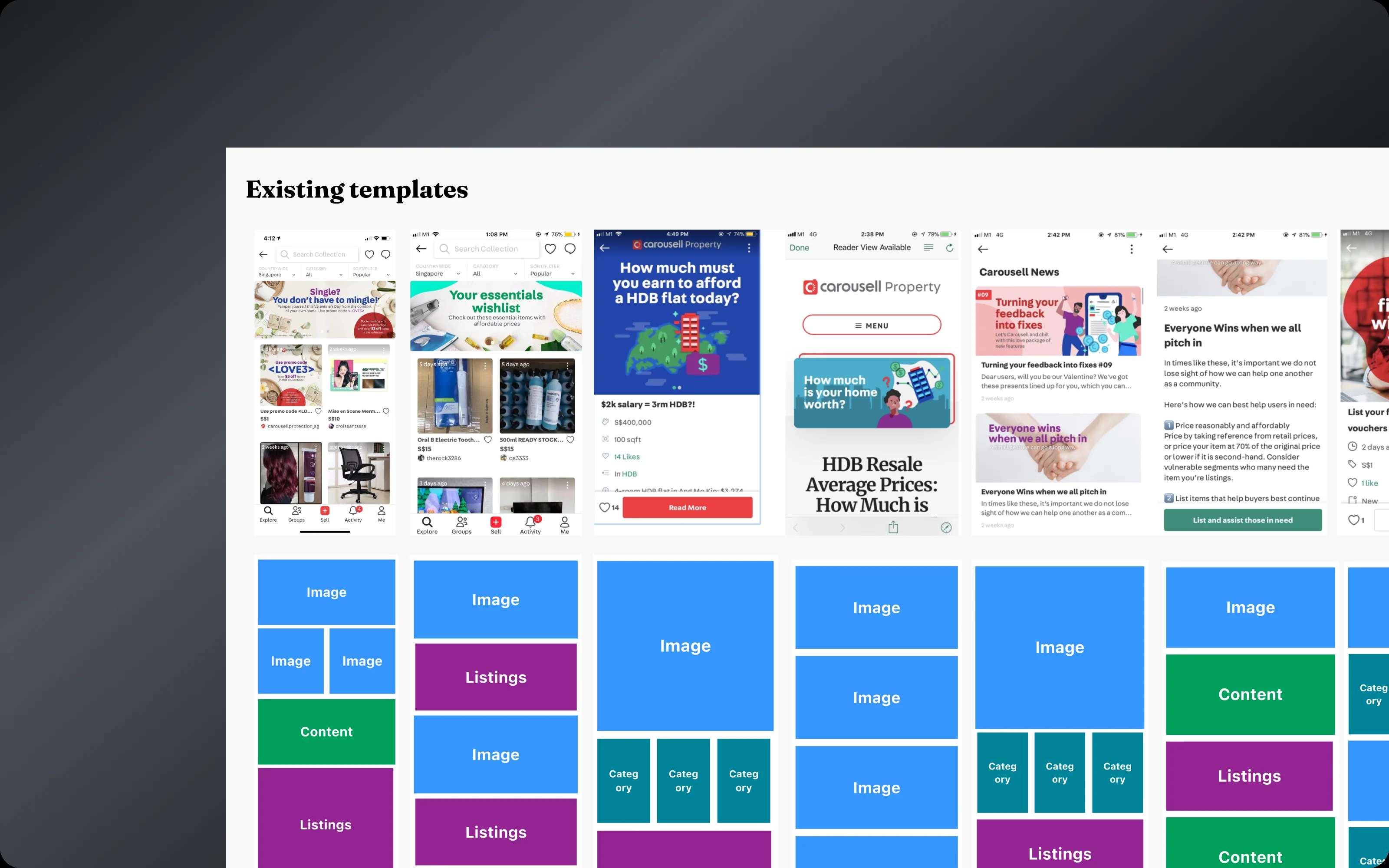
Campaign pages were often squeezed onto listing pages. They were rigid and easy to miss. I reviewed past campaigns and talked to the team about how they built them, then designed a builder around what I found.
Scroll inside the phone
Header
Story
Image
Image
Collection
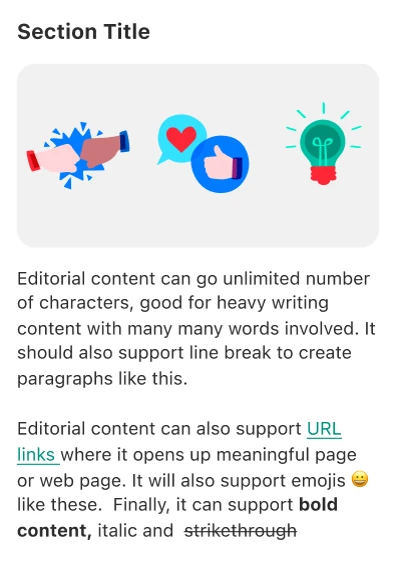
Three blocks cover most campaigns. Collections, stories and images came up again and again, so they became the building blocks.
Stack and reorder. Blocks go in any order, like LEGO, so one builder works for any campaign.
Settings in setup order. Campaign settings are grouped by importance and follow the order marketers set up a campaign.
One page, web and app. Pages are responsive, so marketing builds once for both.
The team’s feedback after release was positive. Next on the list were scheduling, so campaigns go live on time without someone watching the clock, and preview, so mistakes get caught before publishing.
3. LeadGen
As the business grew, we needed a way to run surveys and collect leads at scale, and third-party tools were costly and hard to change. I designed an in-house form builder for surveys and lead forms.
The forms marketing uses most. I compared other form tools and asked the team which form types and question formats they relied on, and built those first.
Drag to reorder. Questions can be dragged into any order, so changing a survey doesn’t mean starting over.
Owned in-house. No license fees, and the team can change the tool when campaigns need something new.
What changed for marketing
Tools marketing runs on their own
3
Costs, after dropping a paid tool
−17%
Setting up a campaign takes less time, since marketers no longer wait on engineers for each step. They also have more tools to work with: collections, campaign pages and surveys they can mix for each campaign. Engineers, in turn, got their time back for product work. And with our own tools in place, we dropped a paid third-party service, cutting costs by 17%.
What I learned
Designing for business users is still user-centered design. Interviews and workflow reviews showed that marketers needed two things: less manual work, and confidence that a campaign was set up right. Simple, consistent patterns made complex tasks feel easy, and feedback after each release guided the next round. That is why scheduling and preview came next: both answer the same need for confidence before a campaign goes live.